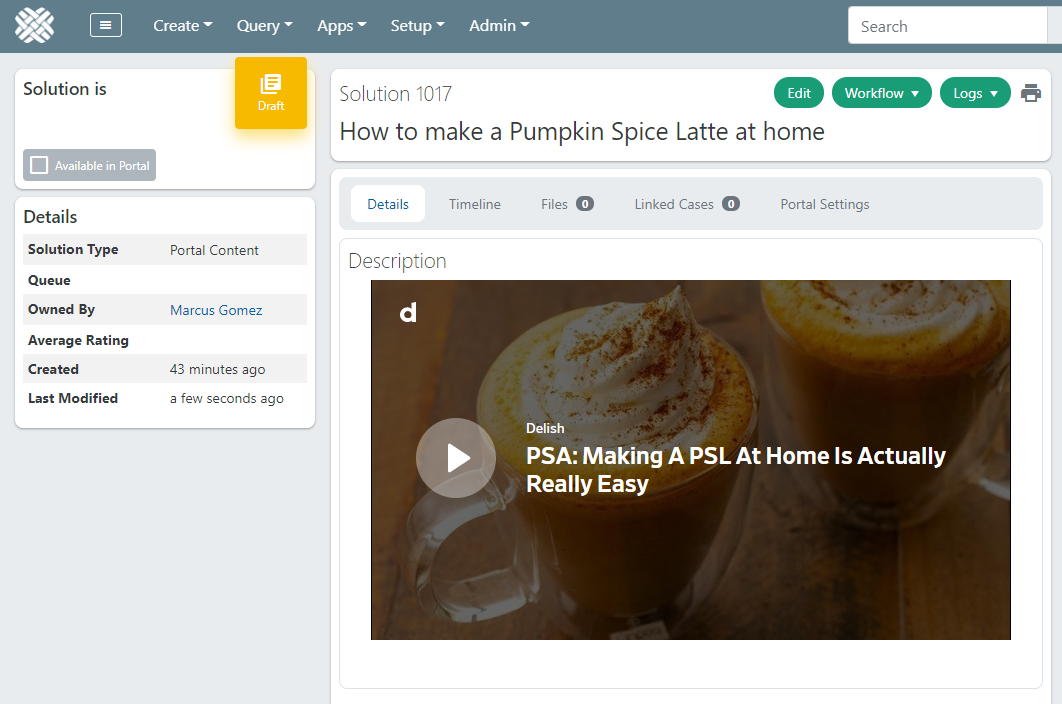
Embedded video in a Solution disappears when the Solution is saved
Create - Solution
Within the Description, click the Video icon, and paste in a link to an embeddable video (other than from YouTube or Vimeo).
In this example, a link to a video from Daily Motion was used:https://dai.ly/x82p4m7
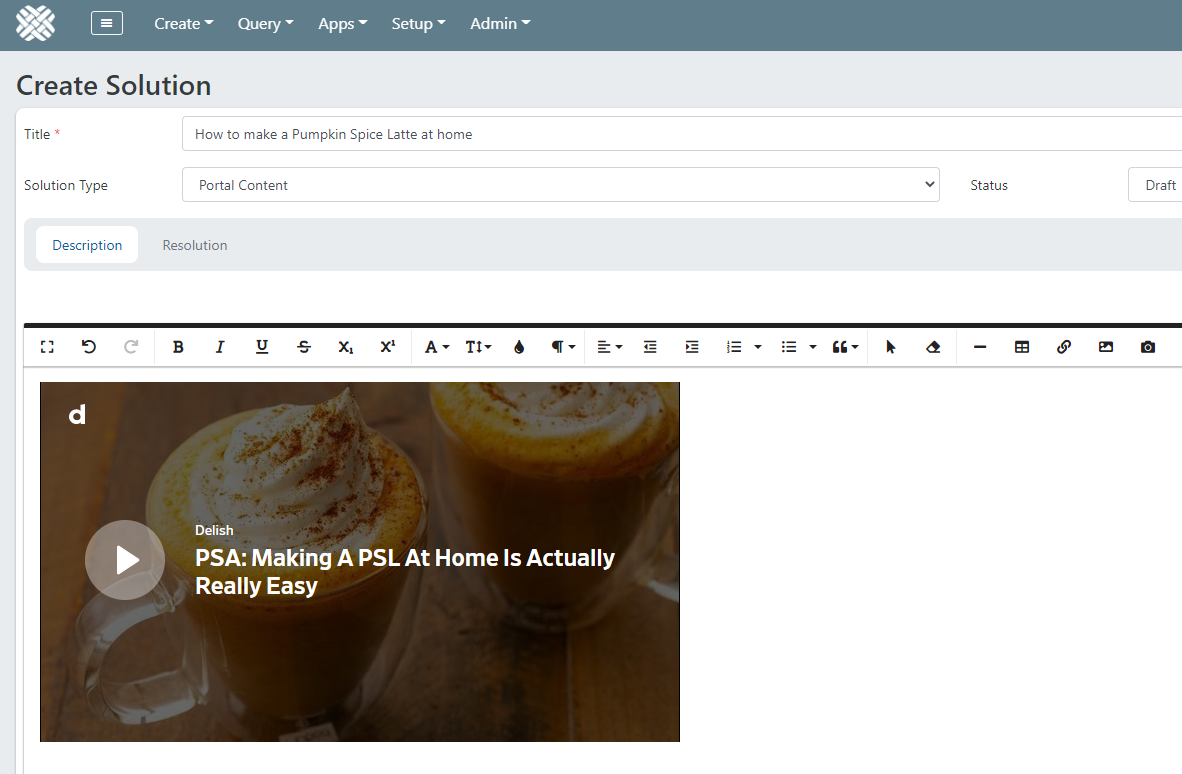
The video is shown on the solution page while in edit mode: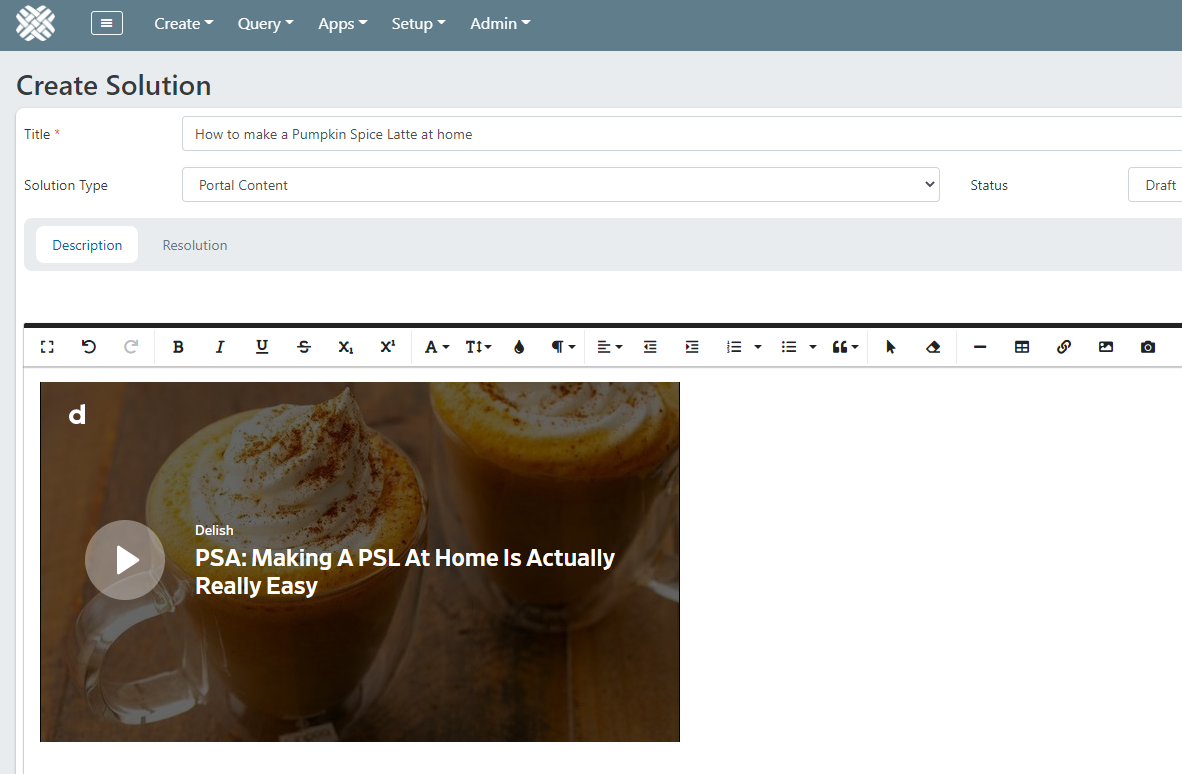
Click the Create (or Update) button to save the solution edits.
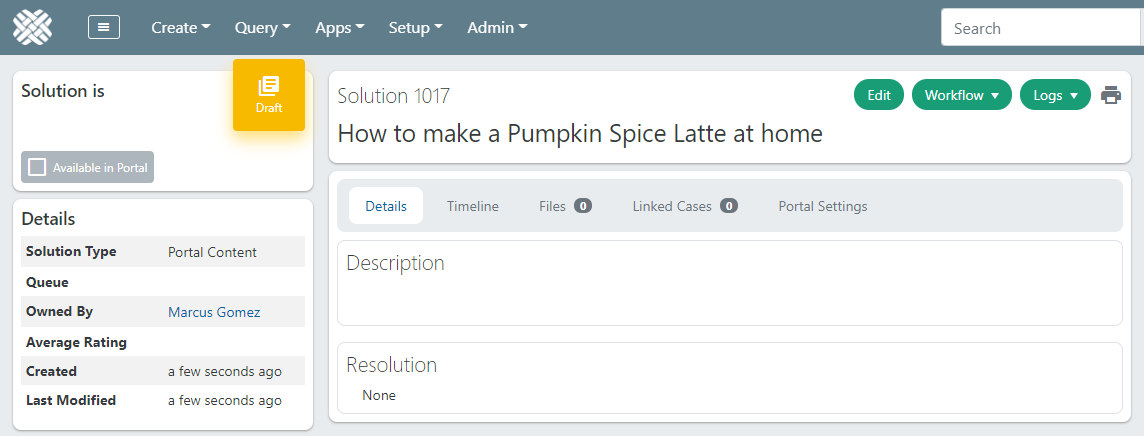
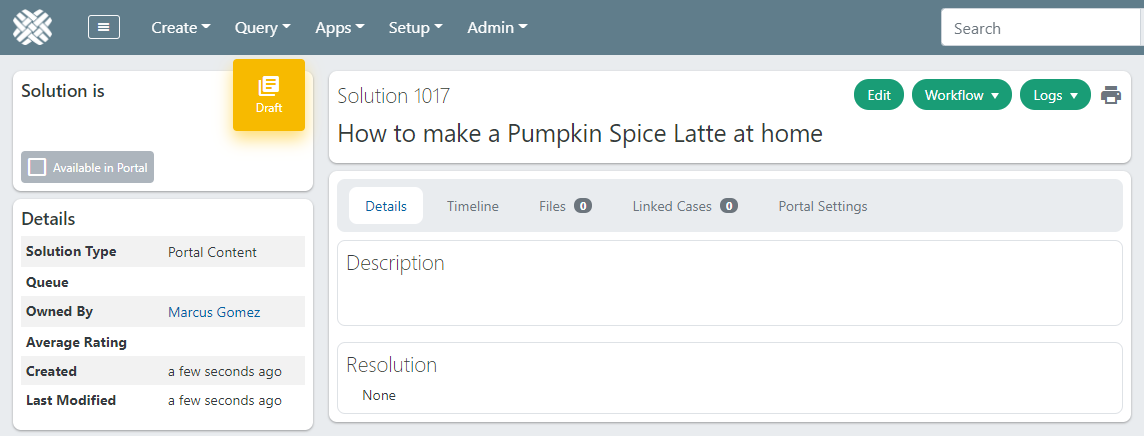
Now that the solution has been saved, the video has disappeared:
Embedded video in a Solution is blocked
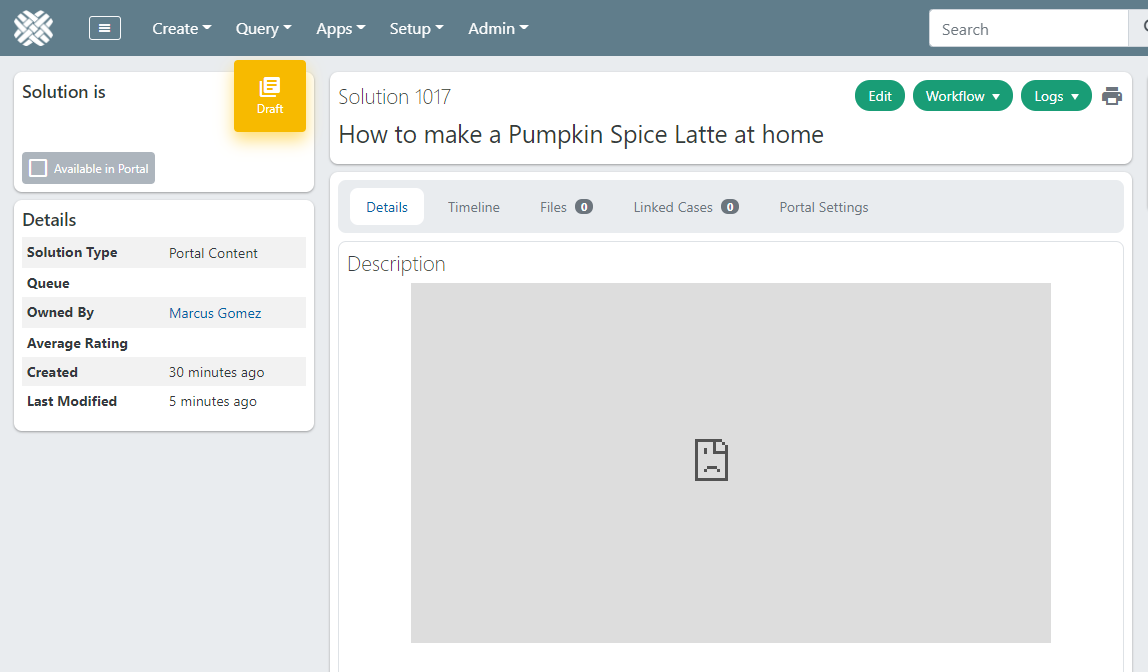
Another problem that can occur is that the embedded video is blocked. A blocked video will render as a sad face icon in a grey box.
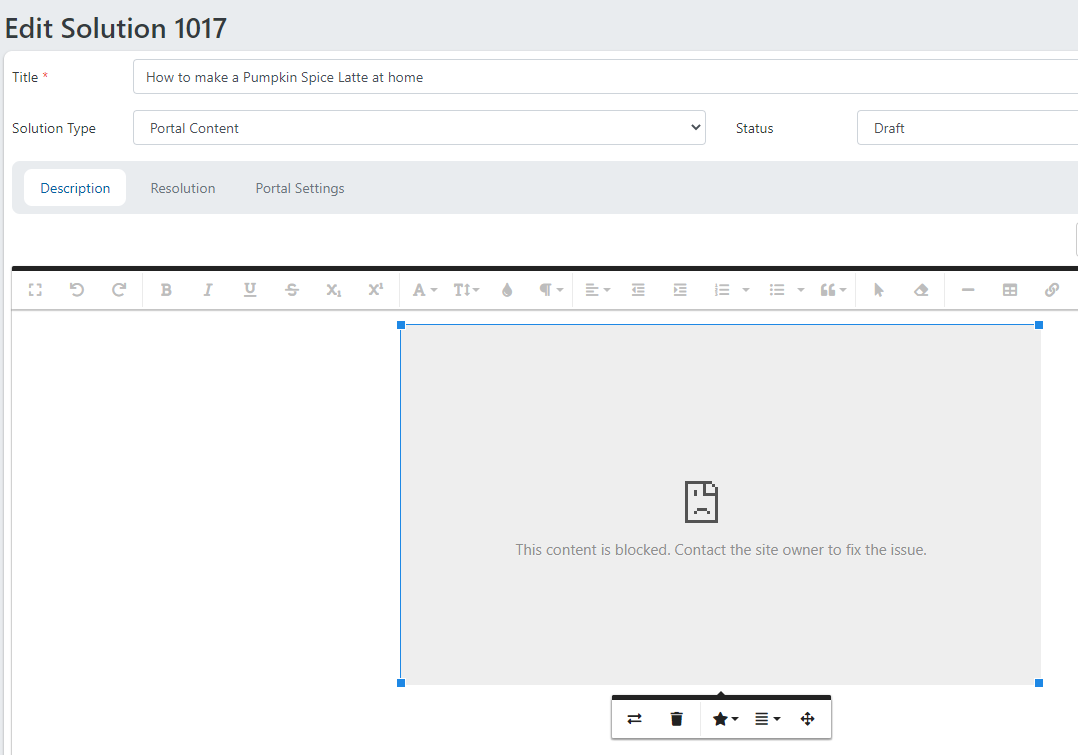
If you click on the box, you will see a message that says:This content is blocked. Contact the site owner to fix the issue.
This can happen on the create-solution page, the edit-solution page, or on the show-solution page.
If the embedded video is blocked due to Dovetail's default security policy, a message will also appear in the browser dev tools.
- Type the
F12key to open the browser dev tools - Click on the Console tab.
A video that is blocked due to a Content Security Policy will show a message such as:Refused to frame 'https://www.dailymotion.com/' because it violates the following Content Security Policy directive: "frame-src 'self' *.youtube.com *.vimeo.com".
The issue here is that Dovetail, by default, only allows embedding videos from YouTube or Vimeo. This is for security reasons.
Videos from any other site are automatically removed, without any warning or notice.
They may also show as blocked, due to Dovetail's default Content Security Policy.
Content Security Policy (CSP) is an added layer of security that helps to detect and mitigate certain types of attacks, including Cross Site Scripting (XSS) and data injection attacks. These attacks are used for everything from data theft to site defacement to distribution of malware. Learn More
Dovetail can be configured to allow video embedding from other sites.
This configuration can only be done by the Dovetail Support/Implementation team.
Please reach out to them, either via email, or through the support portal, and request that they allow video embedding from an additional site (other than YouTube or Vimeo). Be sure to tell them the site that you wish to embed videos from, along with a link to an example of one of those videos.
Once the 3rd party video site is configured, embedded videos from this site will be properly saved, and will render as expected.