FOR INTERNAL USE ONLY!
There are problems that can occur when trying to embed a video of 3rd party content (such as an iframe) in Dovetail, such as in a solution.
- The embedded video is blocked. A blocked video will render as a sad face icon in a grey box.
- The embedded video in a Solution disappears when the Solution is saved
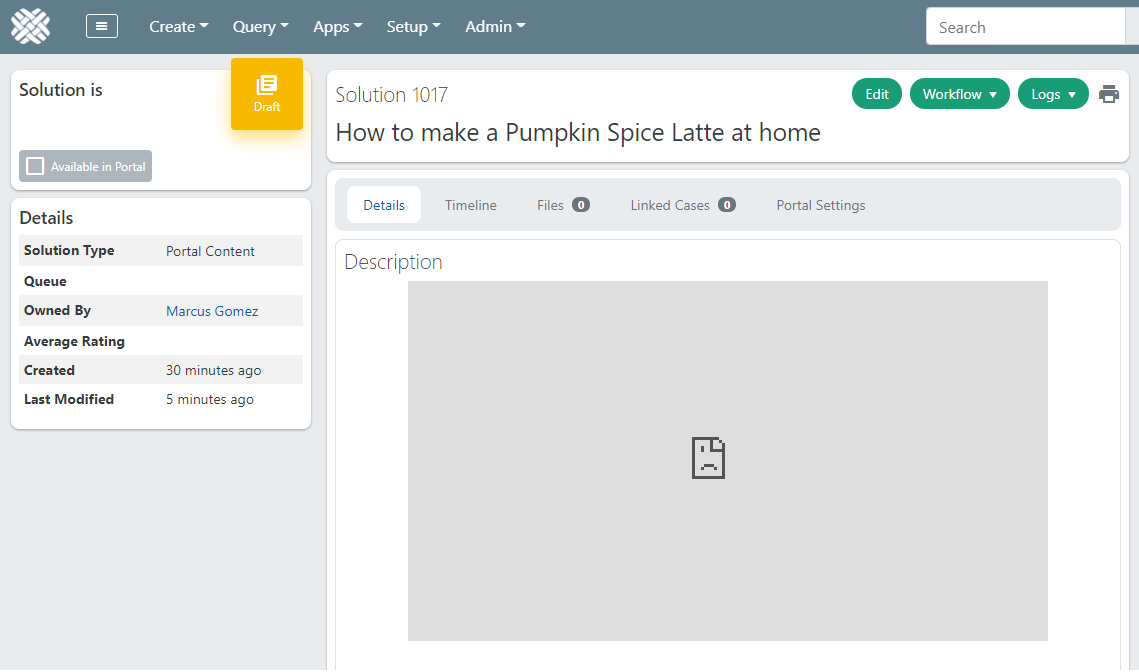
For more details about these problems, refer to Knowledgebase Article #5 - Embedded videos disappear, or are blocked
The issue here is that Dovetail, by default, only allows embedding videos from YouTube or Vimeo. This is for security reasons.
Videos from any other site are automatically removed, without any warning or notice.
They may also show as blocked, due to Dovetail's default Content Security Policy.
To resolve these problems, Dovetail must be configured to allow embedded videos from other sites.
The relevant settings are:
Html Sanitizer: Allowed Video Regex- which embedded iframes are allowed to remain in the rich text boxAgent Website Security : Content Security Policy Header- The Content-Security-Policy HTTP header for the Agent appEsp Website Security : Content Security Policy Header- The Content-Security-Policy HTTP header for the Portal (ESP) app
Html Sanitizer: Allowed Video Regex
Default value:^(http:\/\/|https:\/\/)(player\.)?(vimeo\.com|youtu\.be|www\.youtube\.com)\/([\w\/]+)([\?].*)?$
Example, allowing videos from "www.dailymotion.com" and from "dai.ly":^(http:\/\/|https:\/\/)(player\.)?(vimeo\.com|youtu\.be|www\.youtube\.com|dai\.ly|www\.dailymotion\.com)\/([\w\/]+)([\?].*)?$
Note: dai.ly is a URL-shortened version of www.dailymotion.com
Content Security Policy Header
The baseline ContentSecurityPolicyHeader setting is hidden from the UI.
A CustomContentSecurityPolicyHeader setting is available, which requires only the custom changes.
The application will merge the two together dynamically (baseline and custom).
Example, allowing videos from "www.dailymotion.com" and from "dai.ly":
frame-src *.dailymotion.com *.dai.ly
For reference:
By default, the Content Security Policy Header is the same for both:
Agent Website Security : Content Security Policy HeaderEsp Website Security : Content Security Policy Header
Default value:
   default-src
   'none'; script-src
   'self'
   'unsafe-eval'
   'unsafe-inline' *.fontawesome.com *.googleapis.com *.dovetailnow.com; connect-src
   'self'

*.amazonaws.com *.fontawesome.com; font-src
   'self' maxcdn.bootstrapcdn.com *.fontawesome.com fonts.gstatic.com *.googleapis.com; img-src


   'self' data: https:; style-src
   'self'
   'unsafe-inline' maxcdn.bootstrapcdn.com *.fontawesome.com fonts.gstatic.com *.amazonaws.com

 *.googleapis.com; frame-src
   'self' *.youtube.com *.vimeo.com